
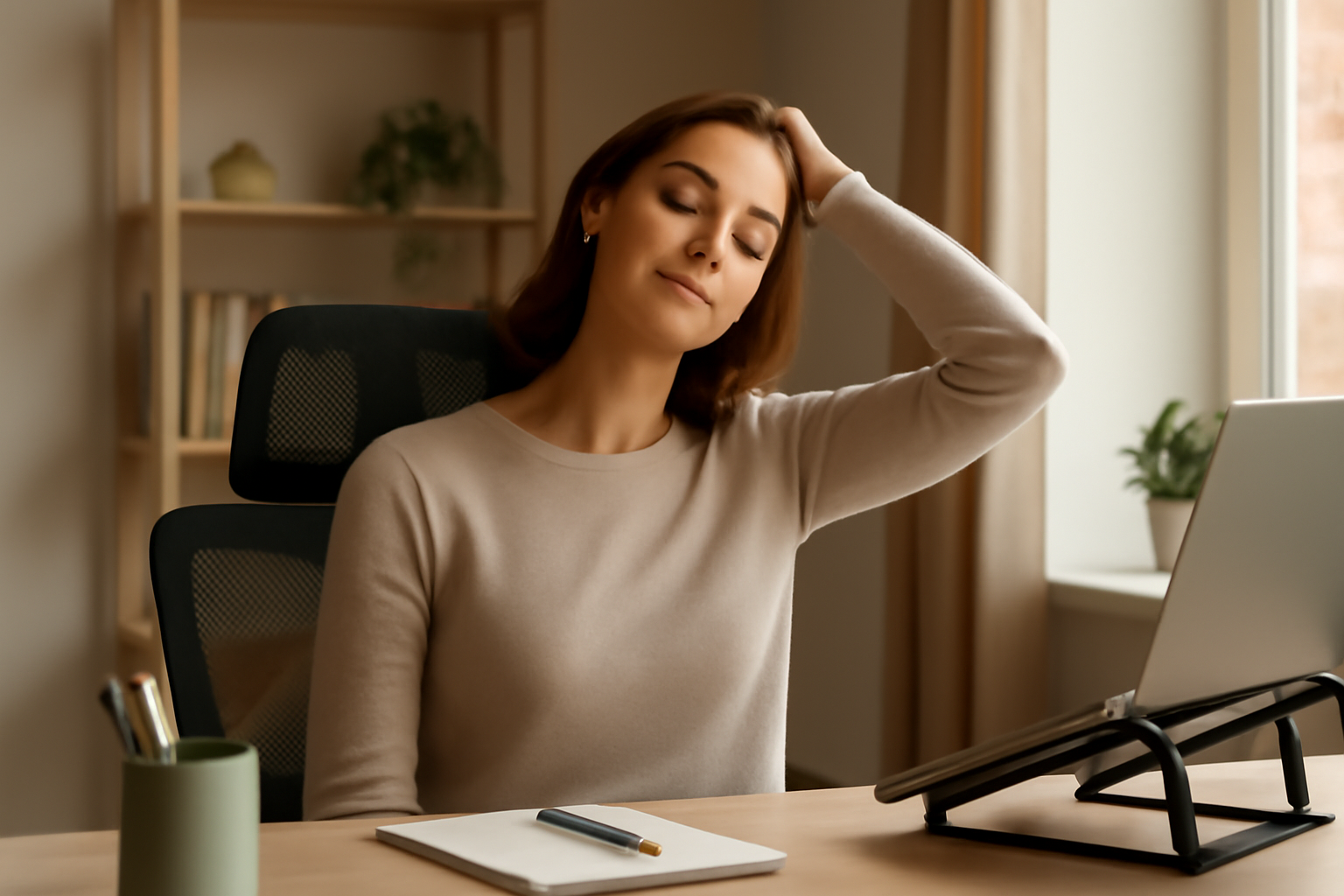
You sit down at your kitchen table, open your laptop, pour your coffee — and by 10 a.m. you’re already rolling your shoulders and rubbing the back of your neck. Sound familiar? If you’ve been dealing with work from home neck pain, you are absolutely not alone. Since remote work became the norm for millions of people, neck and upper back discomfort has quietly become one of the most common complaints I hear about. The culprit is almost always the same: a makeshift workspace that was never designed with your spine in mind.
This post contains affiliate links. As an Amazon Associate, I earn from qualifying purchases. This means I may earn a small commission if you click through and make a purchase — at no extra cost to you. I only recommend products I genuinely believe may help.
Why Work From Home Neck Pain Happens (And Why It’s Not Just “Bad Posture”)
I want to push back a little on the idea that neck pain is simply your fault for slouching. Yes, posture matters — but the real issue is usually your setup, not your willpower. When you’re working at a laptop on a couch or a dining table that isn’t the right height, your body is doing its best to adapt. The problem is that adaptation has a cost.
Here’s what’s actually happening: for every inch your head tilts forward from neutral, the effective load on your cervical spine roughly doubles. Research published in Surgical Technology International suggests that at just 60 degrees of forward tilt — which is pretty typical when looking down at a laptop — your neck muscles may be managing the equivalent of 60 pounds of force. Do that for six to eight hours a day, and it’s no wonder your neck is screaming by Thursday afternoon.
Common contributing factors include:
- Laptop screens positioned too low, forcing you to look downward
- Monitors that are too far away or off to one side
- Chairs without proper neck or lumbar support
- Sitting in one position for hours without movement breaks
- Stress and tension that accumulates directly in the neck and upper traps
Practical Relief Strategies That Actually Make a Difference
Before we get to products, I want to talk about habits — because no piece of equipment is going to save you if you’re still working eight hours straight without moving. Here are the strategies I recommend most consistently.
Move More, More Often
Set a timer for every 30 to 45 minutes. When it goes off, stand up, do a few neck rolls, and take a short walk — even if it’s just to the kitchen and back. Many people find that simply interrupting prolonged static postures dramatically reduces their end-of-day discomfort. Your cervical spine responds well to gentle, frequent movement rather than long stretches of complete stillness.
Gentle Stretching and Strengthening
A few targeted movements may help decompress the cervical joints and relieve muscle tension. Try chin tucks (gently drawing your chin straight back, like you’re making a double chin — not glamorous, but effective), lateral neck stretches, and shoulder blade squeezes. If you’re dealing with persistent or radiating pain, please check in with a physical therapist or your doctor before starting any exercise program.
Reconsider Your Screen Height
The single most impactful ergonomic change for most remote workers is raising their screen to eye level. Your monitor should sit so that the top of the screen is roughly at or just below eye height when you’re sitting with good posture. This one adjustment alone may reduce the forward head position that drives so much neck strain.
Products Worth Trying for Work From Home Neck Pain
Now let’s talk about some tools that many people find genuinely helpful. I’ve broken these into two categories: monitor positioning solutions and neck support options.
Monitor Stands and Mounts
If you’re using a full-sized monitor (or two), a proper mount can be transformative. The HUANUO FlowLift™ Dual Monitor Stand is a full-motion dual-arm mount that lets you position each screen at exactly the right height, angle, and distance. If you’re running two monitors — which is increasingly common for remote workers — having them both at proper eye level and centered to your workspace may significantly reduce the neck rotation and tilting that cause so much grief. It’s compatible with 13–32″ screens and mounts via C-clamp or grommet, making it versatile for most desks.
If you prefer a simple, no-installation option, a sturdy monitor riser can do a lot of the same work. The BONTEC Monitor Stand (2-Pack) is a height-adjustable metal riser with a clean, minimalist design. Each stand includes a built-in pen holder and cable management, which helps keep your desk organized — because a cluttered workspace often means awkward reaching and twisting. The two-pack is especially handy if you want matching risers for a monitor and a laptop side by side.
For a budget-friendly single riser with useful under-desk storage, take a look at the WALI Adjustable Monitor Stand. It elevates your screen while giving you a tidy shelf underneath for notebooks, a keyboard, or office supplies. Many people find the combination of better screen height and a less cluttered surface makes their entire workspace feel more intentional and less stressful.
Neck Support Pillows for Your Chair
If your desk chair doesn’t have built-in neck support — and most dining chairs and basic office chairs don’t — adding a headrest pillow can make a real difference, especially during long video calls when you’re leaning back slightly. These are also great for anyone who takes work calls while driving or spends time in a car between home and a coworking space.
The Newsty Car Neck Pillow features an ergonomic design with an adjustable strap and removable cover. It’s designed to support the natural curve of your cervical spine whether you’re in a car seat, office chair, or gaming chair. The removable cover is a nice practical touch for easy washing.
Another strong option is the RaoRanDang Car Neck Pillow, which uses a double-strap system that many users find keeps the pillow more securely in place at different seat heights. If you’ve ever had a neck pillow that keeps sliding down throughout the day, the dual-strap design may solve that frustration. It works well across car seats, gaming chairs, and standard office chairs.
You Don’t Have to Just Live With It
Work from home neck pain is incredibly common, but common doesn’t mean inevitable. Small, consistent changes to your workspace and your daily