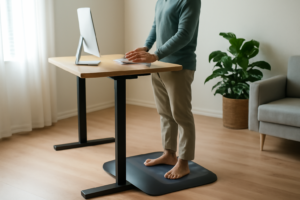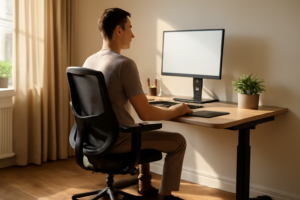
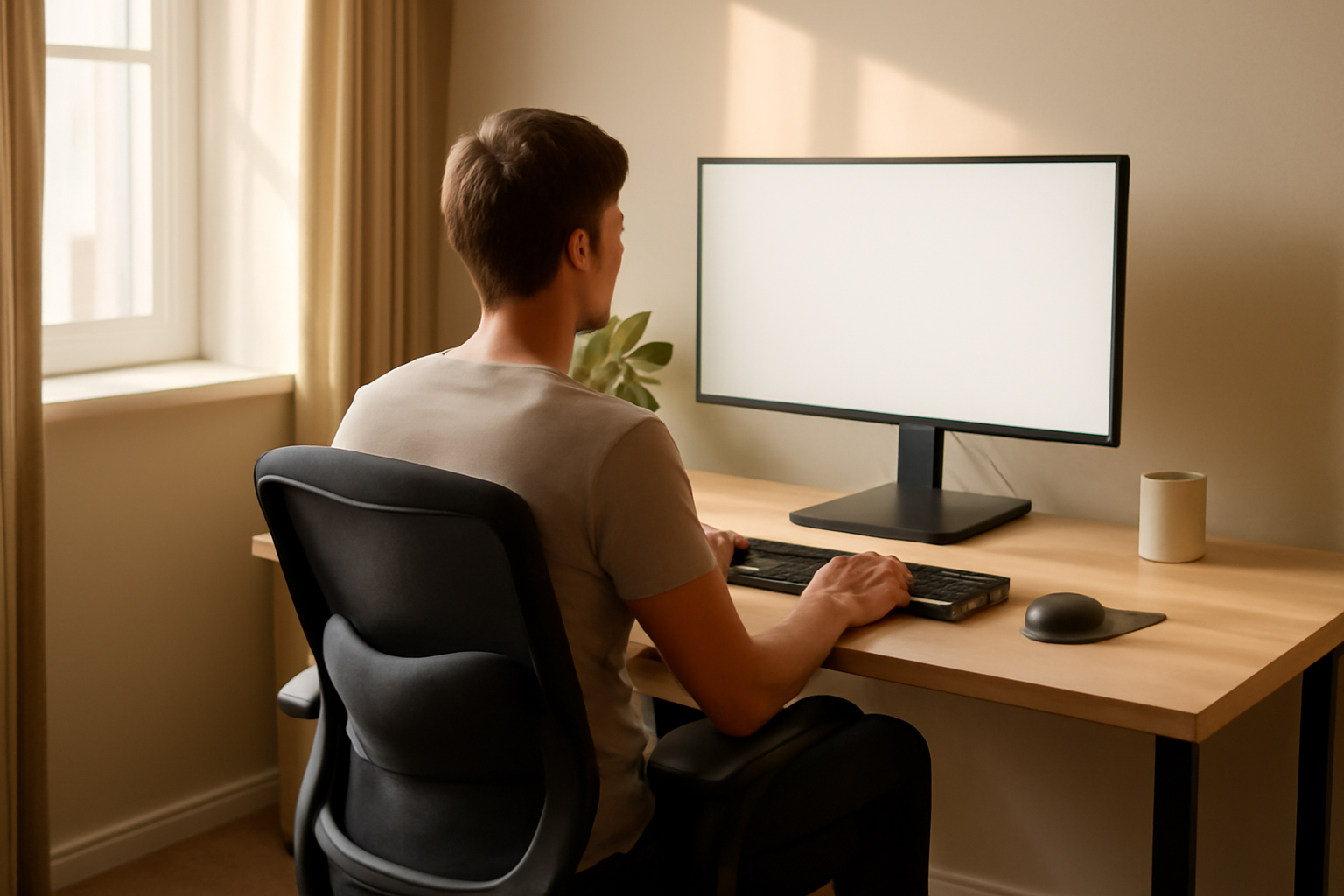

Not sure whether your desk setup is actually the problem, or whether the ache you’re feeling is just “getting older”? Here’s a quick way to tell: your body is remarkably specific about where it complains. A stiff neck points to a monitor problem. Tingling fingers point to a wrist problem. A lower back that seizes up the second you stand points to a chair problem. Instead of a generic list of ergonomic tips, I want to walk through this the way I’d walk through it with a friend describing their symptoms to me — by body part, matching what you’re feeling to what’s actually causing it.
How to Read Your Body’s Signals
The nice thing about desk-related joint pain is that it’s rarely mysterious once you know what to look for. Your body tends to protest in the exact spot that’s under the most mechanical stress, and that spot is almost always traceable to one specific piece of your setup. Below are the signals I hear about most often, paired with what’s usually behind them.
Symptom: A Dull Ache Across Your Lower Back by Mid-Afternoon
This is almost always a lumbar support problem. When your chair doesn’t hold the natural inward curve of your lower back, that curve flattens as you slouch, and the pressure inside your spinal discs climbs the longer you stay that way. If you notice the ache is worse the later in the day it gets, and it eases within a few minutes of standing up, your lower back is telling you it needs support your chair isn’t giving it — not that something is structurally wrong.
Symptom: Stiffness or a “Locked” Feeling in Your Neck
Check your monitor height before anything else. If you’re looking down at your screen, or leaning your head forward to read small text, your cervical spine is carrying significantly more load than it’s designed for — for every inch your head sits forward of your shoulders, the effective weight your neck muscles have to support roughly doubles. Neck stiffness that’s worse after long stretches of screen time and better on days you’re away from your desk is a strong sign your monitor position, not your neck itself, is the issue.
Symptom: Tingling, Numbness, or Aching in Your Wrists and Fingers
This points to repetitive wrist extension — typing or mousing with your wrist bent upward instead of held flat. It aggravates the small joints and tendons of the wrist and can contribute to symptoms that mimic carpal tunnel syndrome. If the tingling shows up during or right after typing sessions and settles down overnight, your keyboard height and wrist position are the first things to fix, well before assuming anything more serious is going on.
Symptom: Achy, Stiff Knees or Hips After Sitting
Crossed legs, feet tucked under the chair, or a seat that’s too low all create uneven pressure through the hip and knee joints, and sitting itself compresses the hips regardless of position. If your knees or hips feel stiff specifically after getting up from a long sitting stretch — rather than constantly throughout the day — that’s a sitting-posture pattern, not a joint condition, and it usually responds well to keeping both feet flat and taking standing breaks.
What to Do Once You’ve Matched the Symptom to the Cause
Once you know which part of your setup is the culprit, the fix is usually narrow and specific rather than a full office overhaul. Fix the monitor height for neck stiffness. Fix the keyboard and mouse position for wrist symptoms. Fix your seated posture and take movement breaks for hip and knee stiffness. And for that lower-back ache — the most common complaint I hear from desk workers — the missing piece is almost always lumbar support your chair isn’t providing on its own.
One caveat worth being honest about: this kind of symptom-matching is useful for figuring out what’s an ergonomic issue versus a genuine medical one. If a symptom doesn’t ease up on days away from your desk, or it’s getting worse rather than better despite fixing your setup, that’s your cue to get it looked at rather than keep troubleshooting furniture.
The Lumbar Support That Actually Stays in Place During an 8-Hour Workday
If your symptom check pointed you toward a collapsing lumbar curve, this is the fix I’d point a friend toward first. A proper lumbar pillow fills the gap most office chairs leave empty — but most of them slip, fold, or feel like you’re hugging a brick. This one uses double adjustable straps to stay put, which actually matters when you’re shifting positions throughout the day.
What works
- The dual strap system keeps it from migrating down or twisting — a surprisingly common problem with single-strap designs that undermine the whole point.
- Memory foam fills naturally without going flat after a few weeks, and most users report noticeable reduction in end-of-day back stiffness within a few days of consistent use.
- Mesh cover actually breathes, which means you’re not building up heat and sweat against your back — a detail that matters if you’re using this for 8+ hours daily.
What doesn’t
- If your ache is really a monitor or wrist problem, a lumbar pillow won’t touch it — matching the fix to the actual symptom matters more than buying every product at once.
- Some people find any back support takes a week of adjustment; if you have significant existing back pain, this works better as part of a broader setup fix, not as a standalone solution.
A lumbar pillow won’t solve poor posture habits overnight, but consistent support does reduce the daily strain that adds up into that familiar mid-afternoon ache. Lumbar Support Pillow with Mesh Cover and Double Adjustable Straps
About This Article

Written by Michael Torres. Michael Torres has had joint problems his whole life — hypermobile as a kid, chronic sprains and a dislocating shoulder through his twenties, an osteoarthritis diagnosis in his early fifties, and a right knee replacement since. He is not a doctor or a physical therapist and has no clinical training. He writes about what has helped him and what he has watched help the people around him, and says plainly when he has not tried something himself. More about this site.
Scope and limits. Michael has no medical or clinical training — he writes about living with his own joint pain, not about treating anyone else's. Nothing here is medical advice. Talk to a doctor before starting anything new, and get seen promptly for pain that is new, severe, worsening, or comes with swelling, fever, or numbness.
Verify this against a primary source
Specifics change, and your situation may differ from the one described here. These are the authorities worth checking directly:
- NIAMS — arthritis and musculoskeletal research from the NIH
- MedlinePlus — plain-language medical reference from the NIH
- Arthritis Foundation — condition guides and treatment overviews