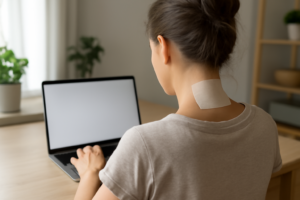
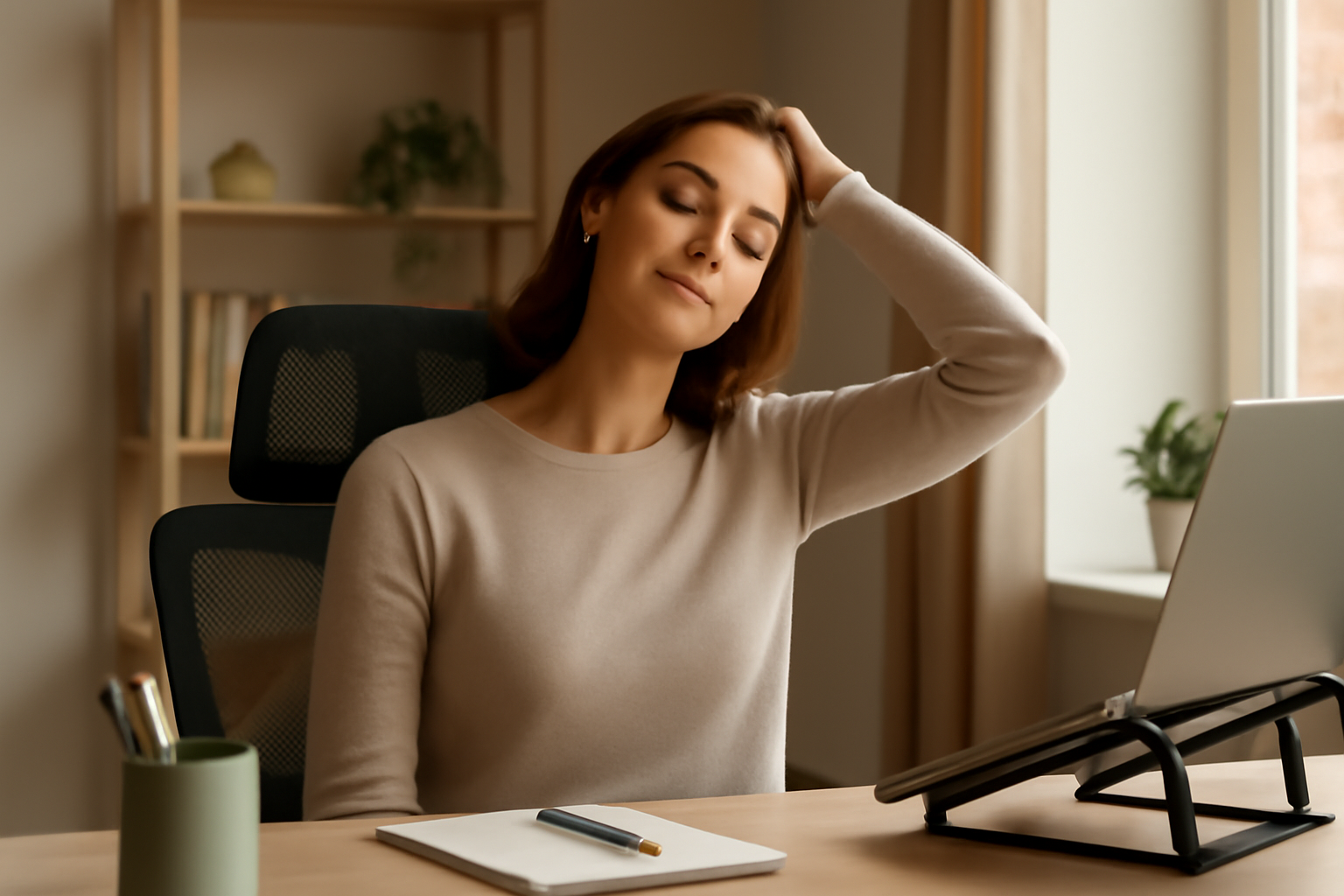

Most work-from-home neck pain advice covers the basics: raise your screen, take breaks, fix your chair. What it usually skips is video calls specifically — and for a lot of remote workers, back-to-back meetings are where the real neck strain happens, in ways that general “improve your desk setup” advice doesn’t fully address.
The Webcam-vs-Screen Conflict
Here’s a problem general ergonomic advice doesn’t address: your monitor being at eye level doesn’t mean your webcam is. If your camera sits at the top of your laptop while you’re actually reading notes or looking at a participant’s video tile lower on an external monitor, you’re constantly shifting between two different eye lines during a single call. Over a day of back-to-back meetings, that repeated micro-adjustment adds up in a way a single “raise your screen” fix doesn’t fully solve. Positioning your camera as close as possible to wherever you’re actually looking during calls — often the top-center of your main screen — reduces this specific source of strain.
The “Phone Wedged on Your Shoulder” Habit
Remote work often means more phone calls taken while multitasking — typing notes, grabbing something to drink, walking around. Cradling a phone between your ear and shoulder to keep your hands free puts your neck in a sustained lateral bend that’s far more strainful than most people realize, especially repeated across multiple calls a day. A headset or speakerphone, even a basic one, removes this specific habit entirely rather than just managing its effects afterward.
Laptop-on-Lap Calls
Taking a call from the couch with a laptop balanced on your lap is uniquely common in remote work in a way it rarely was in an office. This position combines a low screen with a slouched spine — arguably worse than sitting at a poorly set up desk. If you take calls away from your desk regularly, a simple lap desk or even a stack of books to raise the laptop reduces the forward head tilt considerably.
Note-Taking Neck: Looking Down at a Notepad During Calls
If you take handwritten notes during video calls, you’re likely looking down at a desk-level notepad while your screen stays at eye level — a repeated, rapid transition between two very different neck angles throughout a call. Using a document holder or angled clipboard that brings your notepad closer to screen height reduces how far your neck has to travel, call after call.
Back-to-Back Calls Without a Reset
An office day naturally includes walking to conference rooms between meetings — built-in neck and body resets that back-to-back video calls eliminate entirely. If your calendar allows it, even a 2-3 minute gap between meetings to stand, roll your shoulders, and look away from a screen does more for cumulative neck strain than any single ergonomic product, because it interrupts the sustained forward-head position that video calls otherwise create for hours at a stretch.
Fixing the Monitor Height Behind Most of These Habits
Several of the habits above trace back to the same root cause: a screen (or camera) that isn’t at eye level. A proper monitor stand addresses the mechanical baseline that these video-call-specific habits are all working against.
What works
- Raises monitors to true eye level, which also brings a top-mounted webcam closer to your natural eye line during calls.
- The dual-monitor design reduces the neck rotation between screens that compounds the webcam-vs-notes conflict described above.
What doesn’t
- A monitor stand doesn’t fix the phone-on-shoulder or laptop-on-lap habits — those need their own specific fixes (headset, lap desk) regardless of your main desk setup.
General desk ergonomics matter, but video calls create their own specific neck-strain patterns worth addressing separately. HUANUO FlowLift™ Dual Monitor Stand
About This Article

Written by Michael Torres. Michael Torres has had joint problems his whole life — hypermobile as a kid, chronic sprains and a dislocating shoulder through his twenties, an osteoarthritis diagnosis in his early fifties, and a right knee replacement since. He is not a doctor or a physical therapist and has no clinical training. He writes about what has helped him and what he has watched help the people around him, and says plainly when he has not tried something himself. More about this site.
Scope and limits. Michael has no medical or clinical training — he writes about living with his own joint pain, not about treating anyone else's. Nothing here is medical advice. Talk to a doctor before starting anything new, and get seen promptly for pain that is new, severe, worsening, or comes with swelling, fever, or numbness.
Verify this against a primary source
Specifics change, and your situation may differ from the one described here. These are the authorities worth checking directly:
- NIAMS — arthritis and musculoskeletal research from the NIH
- MedlinePlus — plain-language medical reference from the NIH
- Arthritis Foundation — condition guides and treatment overviews